
07 · Operations
Configure from the office, run at the gate.
Tenants, venues, stores and devices configured once in the Admin Portal and synced to every site, with alerts when something drops.
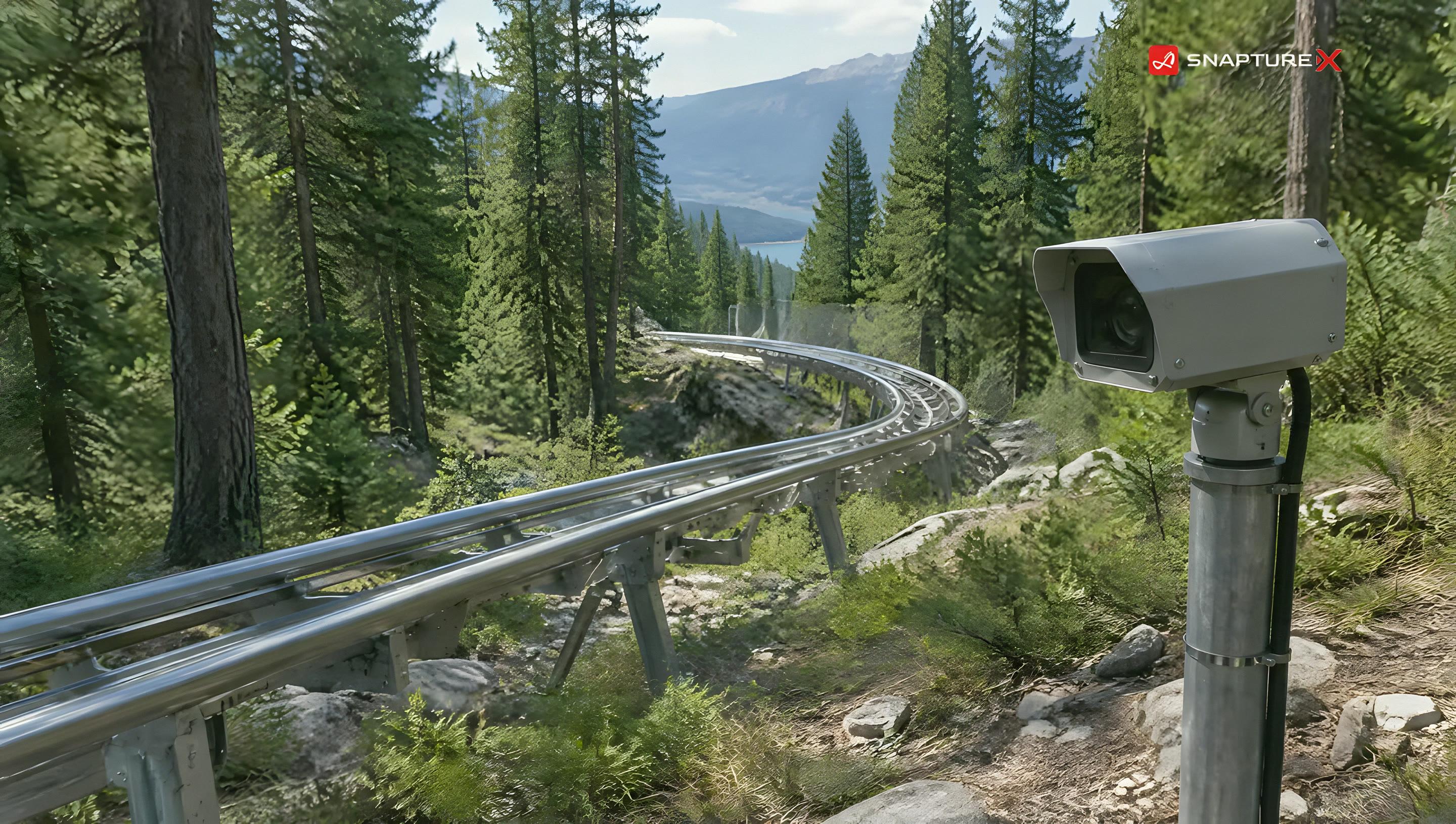
- 01
A new location configured from the office
- 02
Hardware reassigned without a site visit
- 03
An alert before a dead printer turns into a lost day
In the product
Every device, one list.
Cameras, edge boxes and printers report in from every venue. Anything that needs a person sorts to the top.
- CAM-07Wave Slide · splashNo signal for 3 minOffline
- DS620 ACoaster exitRibbon at 2%Needs attention
- CAM-03Log Flume · dropLast shot 4s agoOnline
- Jetson-02Kart track · pit laneClipping 3 lapsOnline
- Venue boxAqua Park · server roomConfig synced 09:42Online
What's included
8 capabilities in operations.
Admin Portal
One console for every tenant and venue you run.
Tenant & venue setup
Multi-tenant by design, for operators and their partners.
Site, store & location management
Model every shop, ride and capture point.
Camera & printer assignment
Assign hardware to locations in a click.
Photographer management
Staff accounts, shifts and attribution.
Asset library
Borders, templates and brand assets in one place.
Configuration sync
Changes pushed to venue boxes automatically.
Site monitoring
Device health and alerts across every site.
Works with · Multi-tenant Admin Portal · Venue boxes with configuration sync · Site and device monitoring · Audit history of every change
Questions
Asked about operations.
Book a demo